
Mock Server Studio Desktop
Private, zero-tracking, 100% offline local API mocking engine for Windows & Linux.
Architecture & Overview
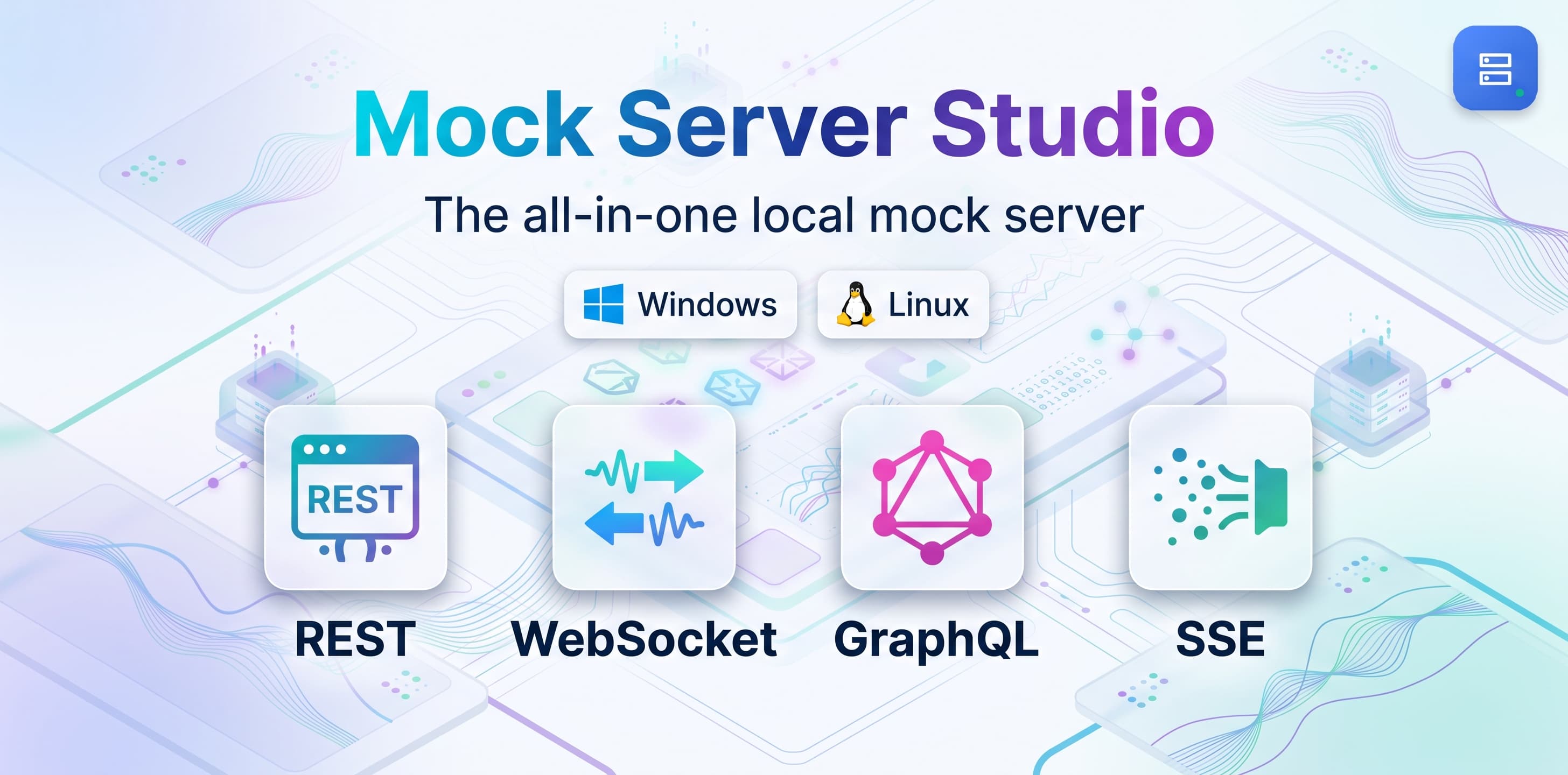
Mock Server Studio delivers a private, developer-first local environment to test, mock, and inspect network protocols directly on your workstation without paying for cloud subscriptions or exposing sensitive payload schemas.
Technical Highlights
- •Zero-latency loopback (127.0.0.1) network socket binding
- •Configurable network throttles (3G/4G, high latency, random error simulation)
- •Deep JSON schema inspection and cURL/Postman collection exports
- •Air-gapped operation: works 100% disconnected from the internet
- •Clean, standalone installation with no background daemons
Engineered Capabilities
- Embedded MQTT 3.1.1 Broker (Port 1883) for IoT simulation
- Local REST, GraphQL, WebSocket & SSE AI streaming emulation
- Model Context Protocol (MCP) tooling support
- 100% Offline execution — zero external cloud telemetry
- Lifetime activation with free minor updates
System Requirements
One-Time Perpetual Commercial License
Release:Production release in 2 weeks ($39 Commercial)
Fulfillment:Direct Standalone Installer
Windows Defender SmartScreen Notice
Because AppAudit Pro is distributed as an independent community edition without an enterprise code-signing certificate, Windows Defender SmartScreen displays an "Unrecognized App" dialog on first launch. This is standard behavior for new releases.
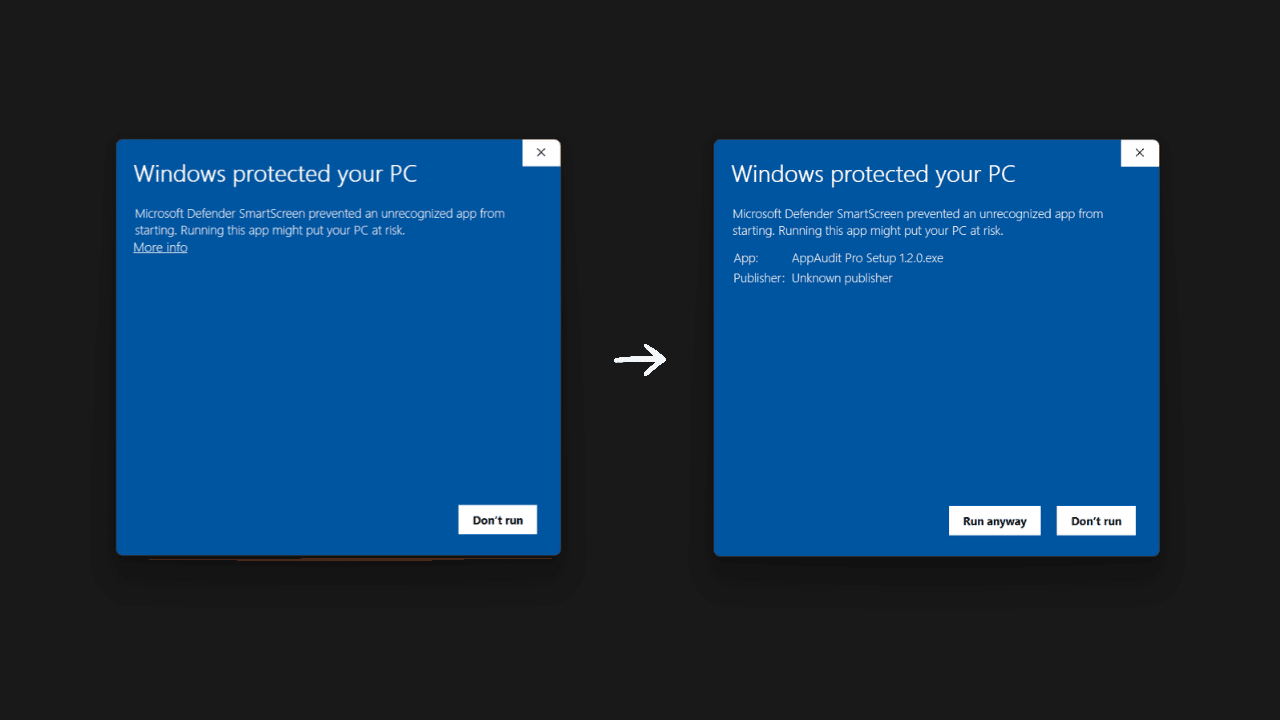
Visual Reference: Click "More info" in the blue dialog, then click "Run anyway".