
AppAudit Pro Desktop
Private, offline-first security, QA and Play Store readiness auditor for Android and iOS apps.
Architecture & Overview
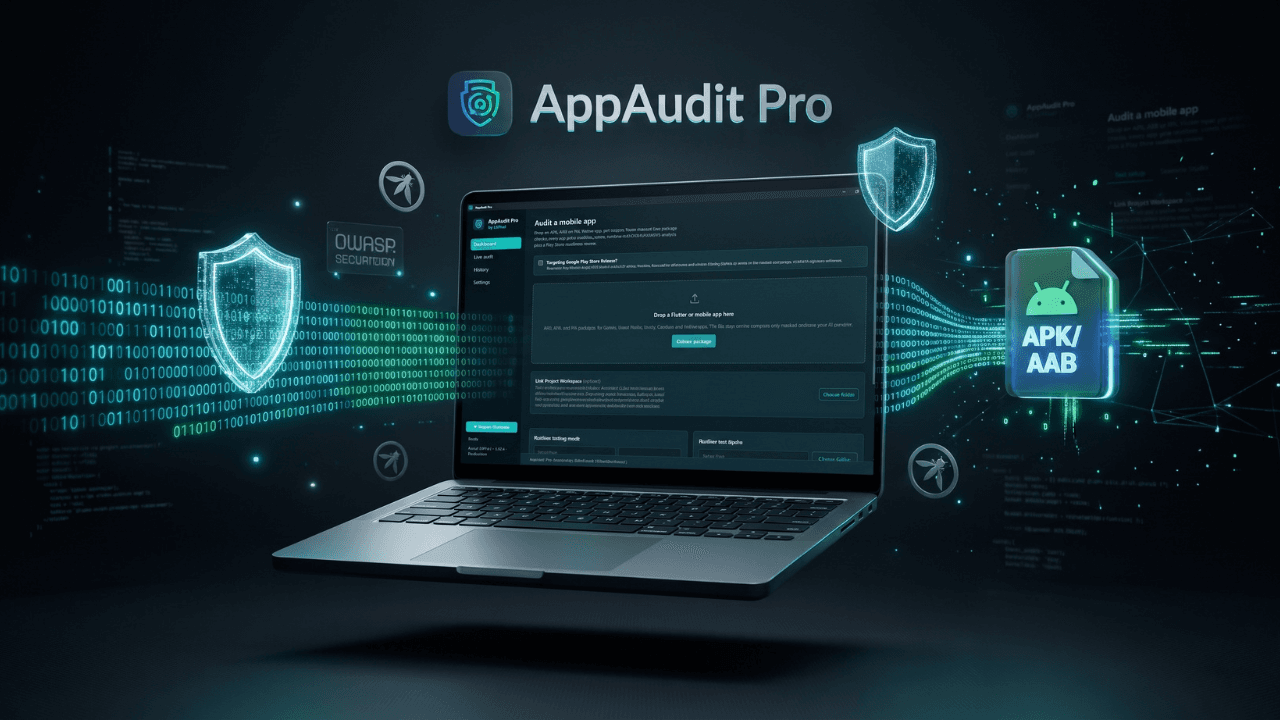
AppAudit Pro gives developers, QA teams and security consultants a private workstation to audit mobile apps before release. Drop in a build, get a scored report with prioritized findings and fixes, and export it as a client-ready PDF, without uploading your app or paying for a cloud subscription.
Technical Highlights
- •Findings mapped to OWASP MASVS categories and CWE identifiers when AI mode is enabled
- •Rule-based offline mode with built-in remediation guidance
- •Security score, severity breakdown and Play Store readiness score in every report
- •SARIF export for GitHub Code Scanning, GitLab and other CI tooling
- •AI keys are stored encrypted on your computer and sent only to the provider you choose
- •Self-contained installer with the required device tools bundled
Engineered Capabilities
- Audits APK, AAB and IPA packages, with first-class Flutter support and checks for React Native, Unity, Xamarin and Cordova/Capacitor apps
- Deep static analysis: manifest, permissions, signing, obfuscation, exported components and network security
- Hardcoded secret scanning with 74 detection rules (values are always masked)
- Dependency vulnerability matching against an offline advisory database
- Google Play release checks: target SDK, 64-bit, signing and data-safety indicators
- Runtime testing on a USB phone or emulator: stress test, guided/manual modes, crash and memory monitoring
- Full Map Crawl and Scenario Studio for repeatable UI test flows
- Professional branded PDF reports, plus SARIF 2.1.0 and JSON export for CI and code-scanning tools
- Optional AI explanations and fixes with your own API key; works fully without one
- 100% offline analysis: no telemetry, your app files never leave your computer
System Requirements
Community Edition: no license key, no scan limits. Proprietary software, all rights reserved.
Release:Released on October 26, 2026
Fulfillment:Direct Standalone Installer
e9252cbecf990205a0cca9410dbc0dc62536d6ea7f66124c138a43f12a812244Windows Defender SmartScreen Notice
Because AppAudit Pro is distributed as an independent community edition without an enterprise code-signing certificate, Windows Defender SmartScreen displays an "Unrecognized App" dialog on first launch. This is standard behavior for new releases.
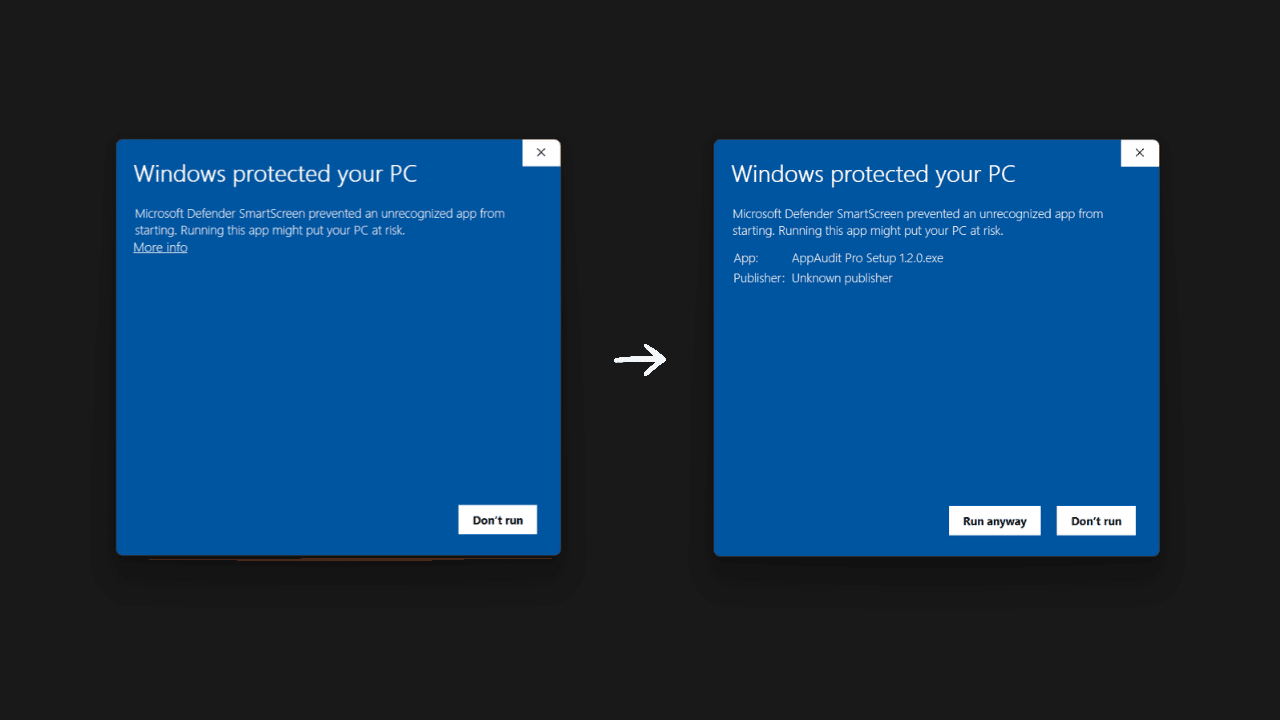
Visual Reference: Click "More info" in the blue dialog, then click "Run anyway".
Before running, verify that your downloaded installer matches our official release hash:
e9252cbecf990205a0cca9410dbc0dc62536d6ea7f66124c138a43f12a812244Run in Windows PowerShell to verify:
Get-FileHash -Algorithm SHA256 "AppAudit Pro Setup 1.2.0.exe"